
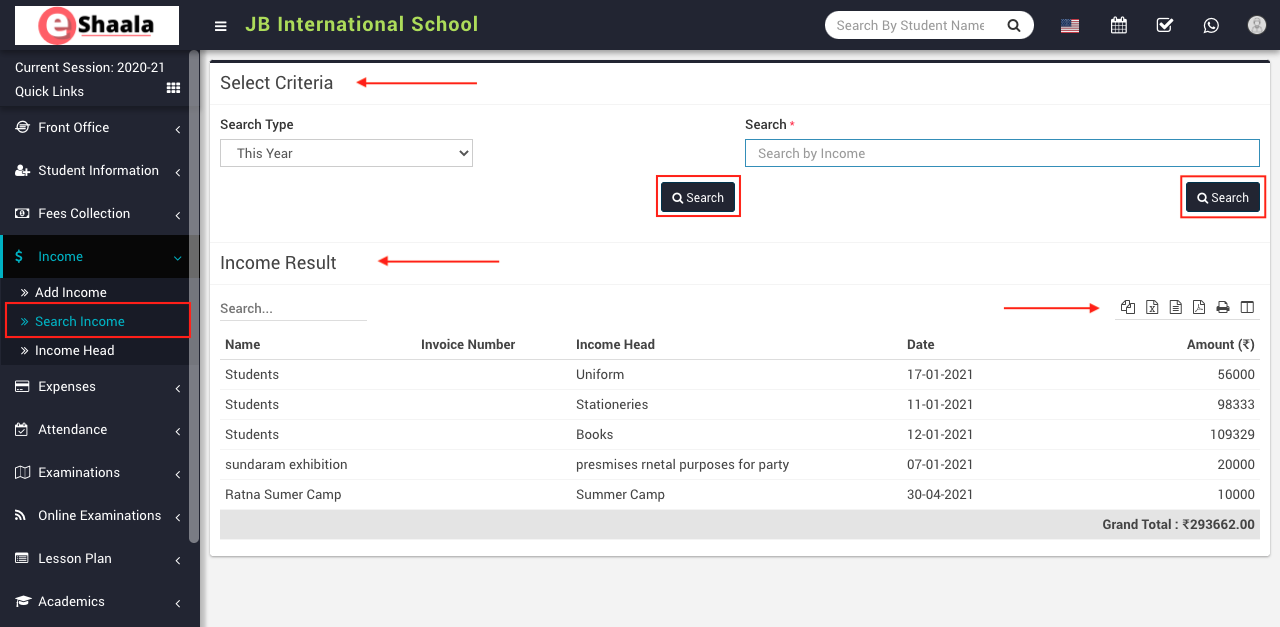
To search the income, go to Income > Search Income and then select Search Type and click on the Search button you can also search the record by income.
For this enter the income title in the Search by Income textbox and then click on the Search button. The list of searched records will be shown in the below of the page.
 English
 Hindi
Hindi Marathi