
To add class, go to Academics > Class then enter Class and select Sections (you can select multiple sections ) and then click on Save button.
You can view this added record in the Class List on the right side of the page.
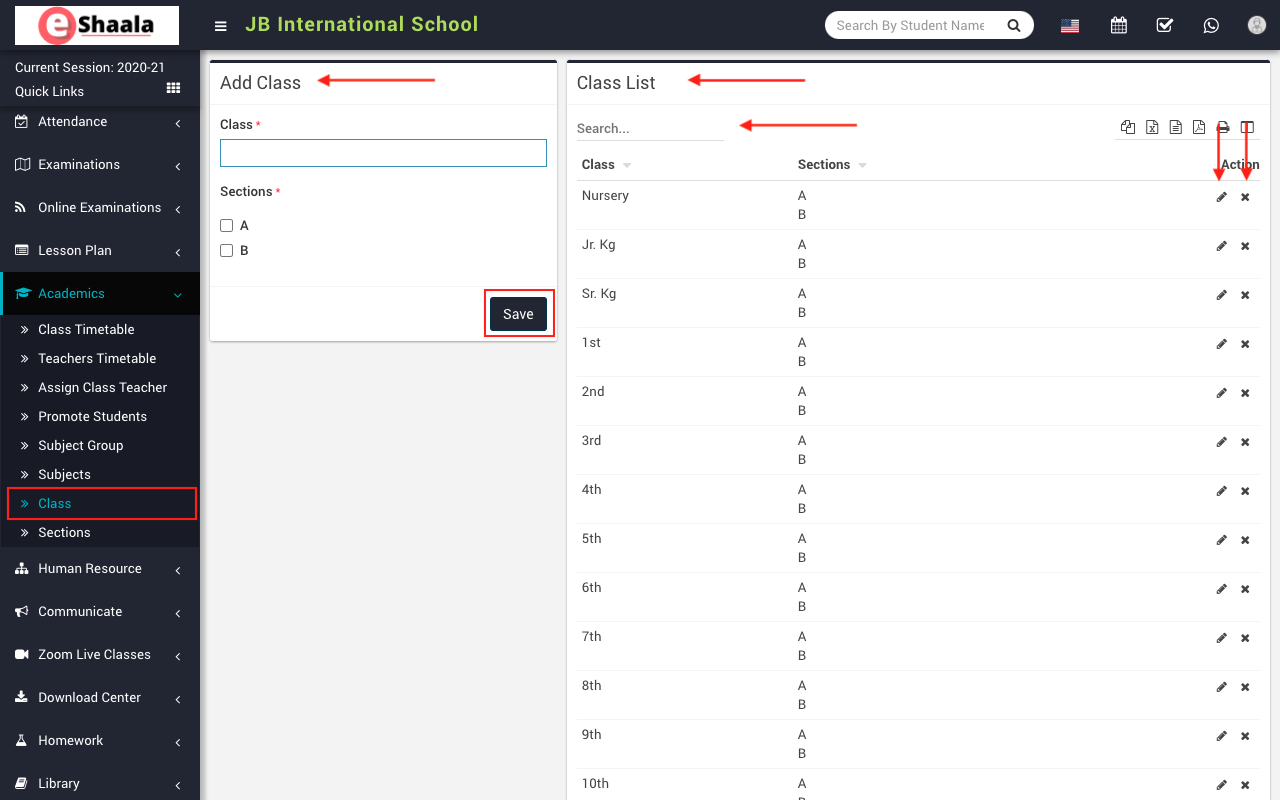
To add class, go to Academics > Class then enter Class and select Sections (you can select multiple sections ) and then click on Save button.
You can view this added record in the Class List on the right side of the page.
 English
 Hindi
Hindi Marathi