
Zoom Live Meeting is for staff online live meeting.
Go to Zoom Live Classes > Live Meeting, click on Add button present at Live Meeting page on the top right corner. Here enter Meeting Title, Meeting Date, Meeting Duration (Minutes), Host Video, Client Video, Description, Staff List details for live class then finally click on Save button.
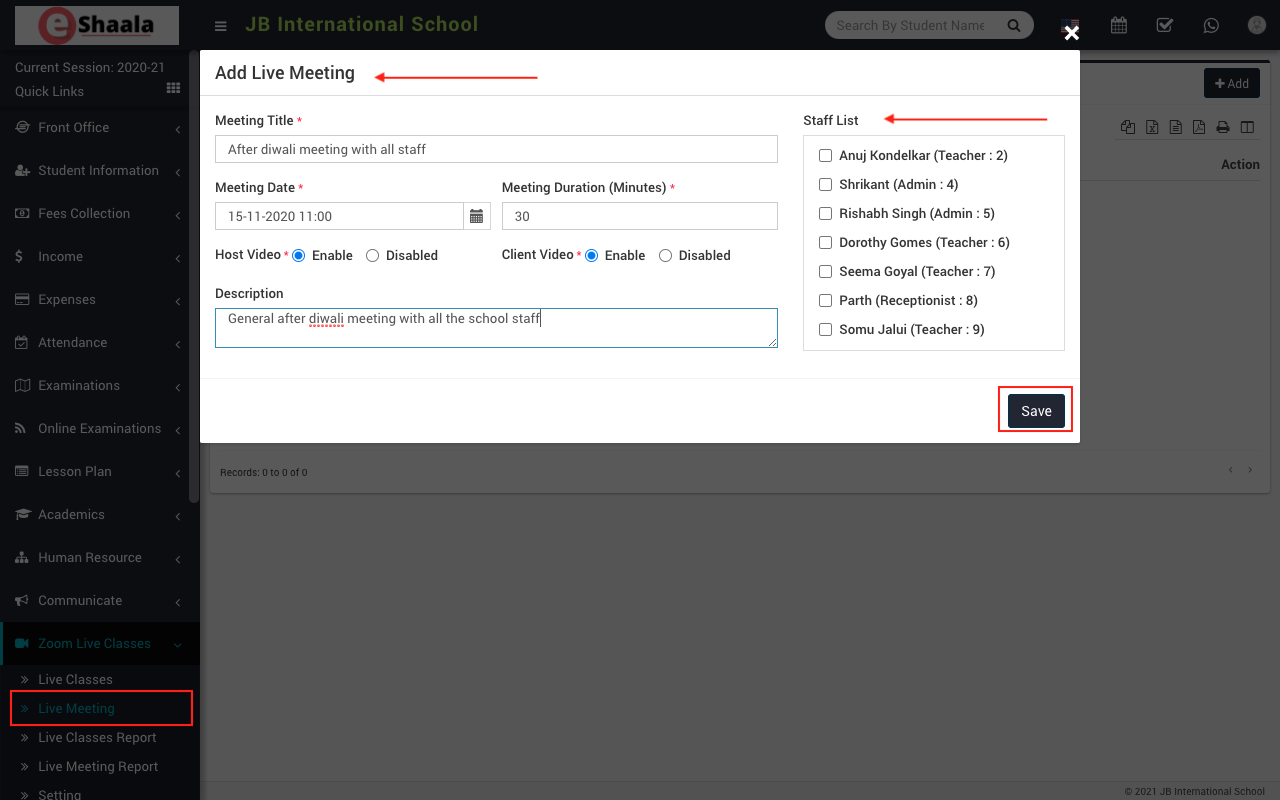
Once Live Meeting has been created then you can Start Meeting and other staff can Join the meeting. Now click on the Start Meeting button then control will redirect to Zoom App window.
 English
 Hindi
Hindi Marathi