
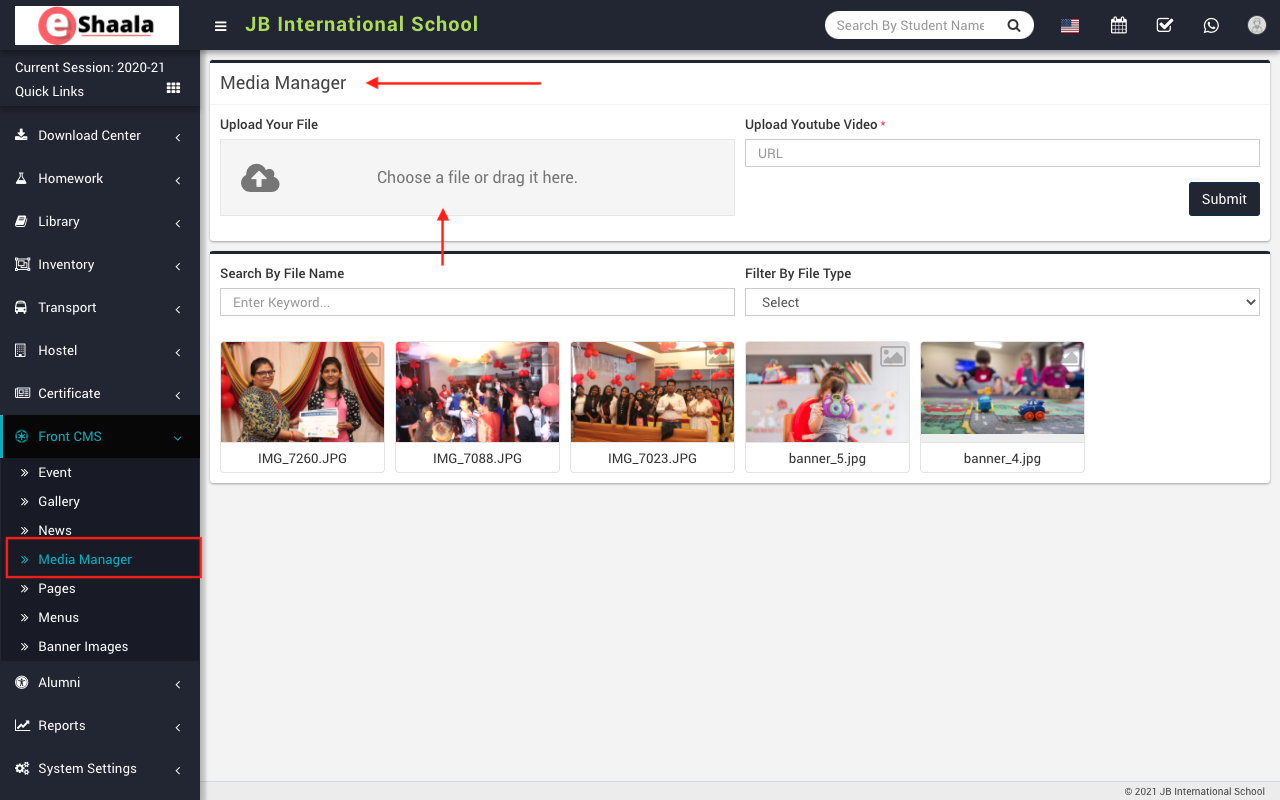
To upload a file, go to Front CMS > Media Manager then Choose or drag the file in the Upload Your File option then enter Upload Youtube Video URL and then click on Submit button. You can search media by entering any keyword in Search By File Name textbox and you can also search any file by selecting file type ( like video, text, zip, rar etc.).
 English
 Hindi
Hindi Marathi