
If your current session is over, and you have to enter data for the new session, then you have to change the current session.
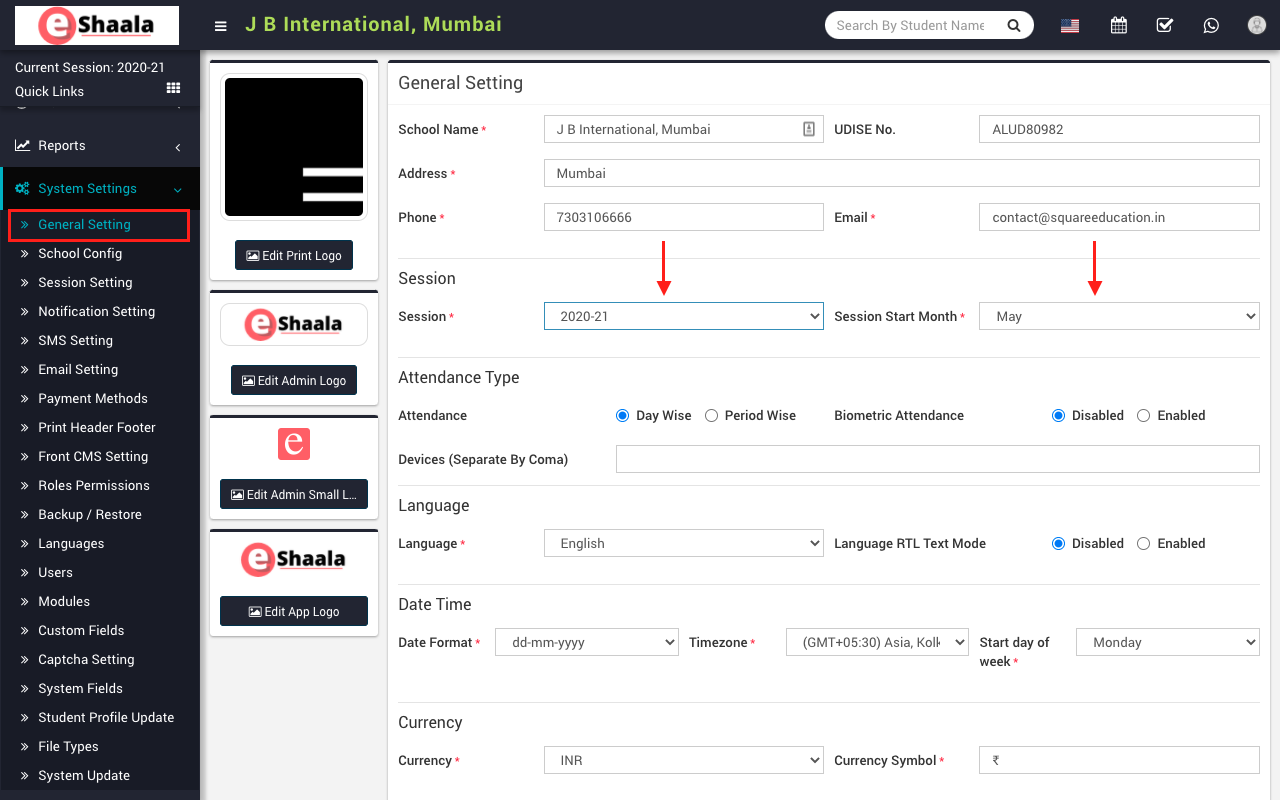
To change your session, go to the General Settings > System Settings menu, then go to the General Settings page, then select the session and month in which your new session will start, and select the Save button below to switch from your session to the current session.
NOTE: You have to go through this process every year before your institute starts a new session.
 English
 Hindi
Hindi Marathi